


SDI Interface vs DVI Interface: A Technical Comparison
Introduction
Serial Digital Interface (SDI) and Digital Visual Interface (DVI) are both digital video transmission standards, but they serve different purposes and applications. This comparison examines their key differences in terms of design, performance, and typical use cases.
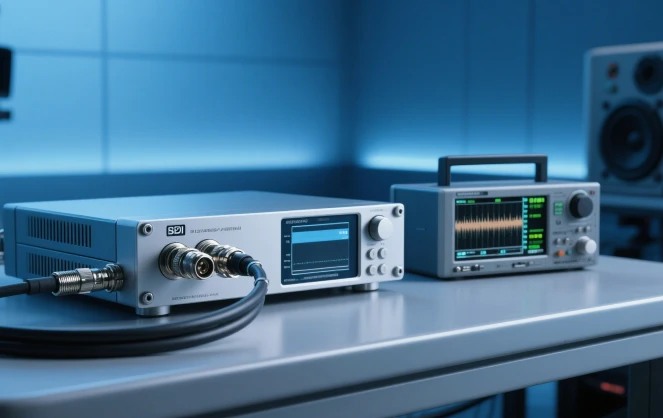
Serial Digital Interface (SDI) is a professional video standard developed for broadcast and production environments.
Key Characteristics:
Signal Type: Transmits uncompressed digital video (and often embedded audio) serially
Connector: Typically uses BNC connectors
Maximum Resolution: Supports up to 8K (in SDI 12G variants)
Maximum Distance: Up to 100m without repeaters (depending on version)
Locking Mechanism: BNC connectors provide secure physical connection
Audio Support: Embeds audio within the video signal
Versions: SD-SDI, HD-SDI, 3G-SDI, 6G-SDI, 12G-SDI
DVI Interface
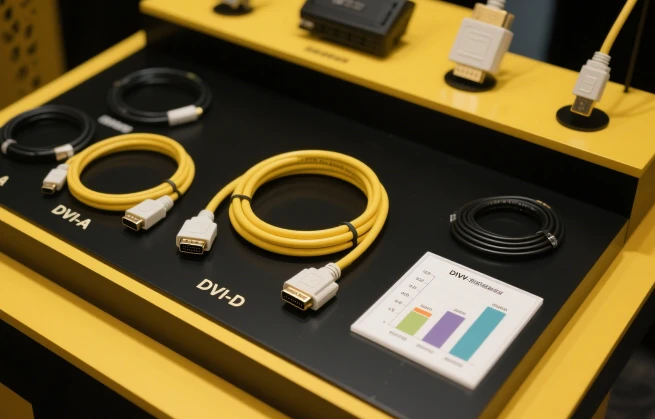
Digital Visual Interface (DVI) is primarily designed for computer-to-display connections.
Key Characteristics:
Signal Type: Transmits digital video (and optionally analog video in DVI-I)
Connector: Uses multi-pin DVI connectors (DVI-D, DVI-I, DVI-A)
Maximum Resolution: Up to 2560×1600 (dual-link DVI)
Maximum Distance: Typically limited to 5-10m without boosters
Locking Mechanism: Some versions include screw locks
Audio Support: Does not natively support audio (though some implementations carry audio separately)
Versions: DVI-A (analog), DVI-D (digital), DVI-I (integrated)
Primary Application:
SDI: Broadcast television, professional video production
DVI: Computer monitors, consumer displays
Signal Integrity:
SDI is designed for long cable runs with robust error handling
DVI has strict length limitations for reliable operation
Connector Design:
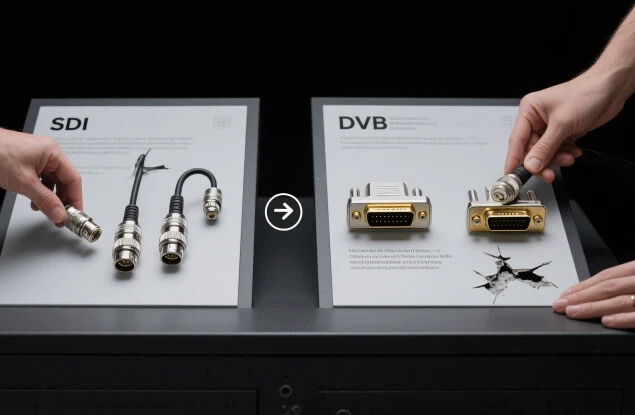
SDI's BNC connectors are more durable and easier to connect/disconnect in field applications
DVI connectors are bulkier and more prone to damage in frequent use
Embedded Features:
SDI carries ancillary data (audio, metadata, timecode) within the signal
DVI is video-only (though some implementations use extra pins for audio)
Refresh Rates:
SDI follows video standards (e.g., 60i, 50p, 24p)
DVI supports a wider range of computer refresh rates (e.g., 60Hz, 75Hz, 120Hz)
Conclusion
SDI is the clear choice for professional broadcast and production environments where signal reliability, long-distance transmission, and embedded audio are required. DVI remains relevant for computer display connections but has been largely superseded by HDMI and DisplayPort in consumer applications. The selection between these interfaces depends entirely on the specific application requirements and equipment compatibility.
First-class professional team for you to recommend products more in line with your needs. Perfect after-sale services exempt your worries.
Our address
No.5F, Building 24, Longbi Industry City, Bantian Street, Longgang District, Shenzhen City, Guangdong Province, China
Phone Number
+86-755-28447130
+8613632535154
sales@bestview.cc

monitor computer touch screen,pc monitor ips panel,touch screen computer display,touch screen computer screens,panel pc,industrial monitor,industrial panel pc,industrial touch screen,industrial touchscreen monitor,all in one pc touch screen