


Industrial Open Frame Panel PC


Why Choose Us
Bestview has strong R&D capabilities in software, hardware, structure, etc. combined with nearly 20 years of production and R&D experience, can customize all the display field products in almost all applications. We specialize in producing Industrial All in One PC, Industrial Computer Touch Screen, Linux Industrial PC, Industrial All in One Computers, PC Touch Screen, Industrial Panel Computer.
Rich Experience
Bestview has more than 17 years of R&D and production experience in the professional field of LCD display. It has customized and developed display and peripheral products with various functions and requirements in various fields for more than 80 countries around the world.
Professional Technical Team
Bestview has more than 20 structural engineers, hardware engineers, software engineers, process technology and test engineers with many years of research and development experience.
Quality Assurance
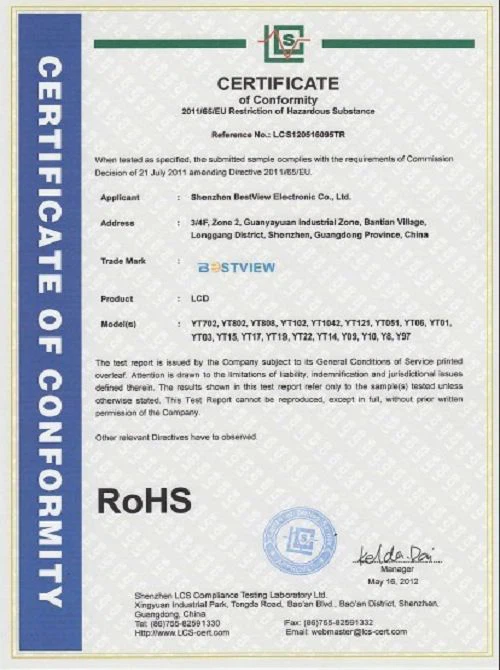
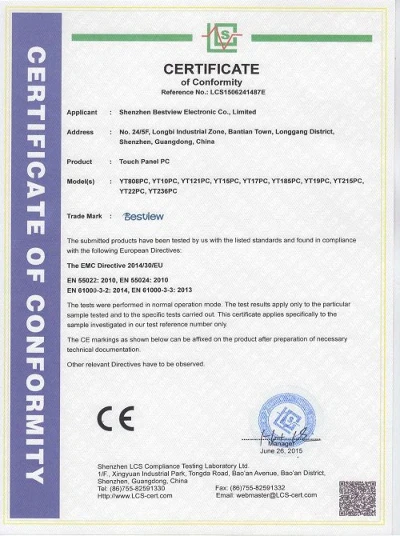
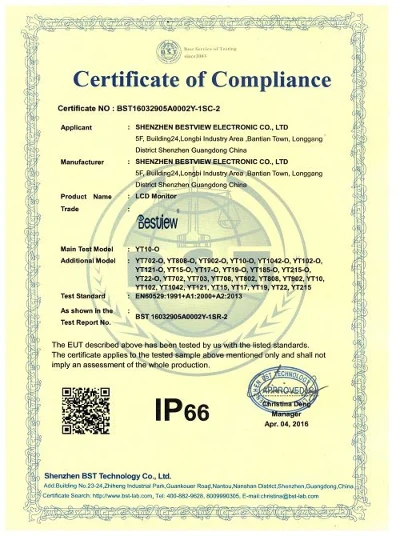
Under the BQMS quality management system of Bestview, Combine ISO9001:2015 quality management system, control every link, and meet the product standards and certification requirements. Make sure to meet your quality requirements!
OEM Available
Has customized development such as: FPGA logic circuit customization, SCALER circuit customization, power management circuit customization, and full waterproof, high brightness, shockproof, special interface function customization, ARM and X86 architecture deep development customization, Android and application customization, battery power customization, industrial and special industries in-depth customization, etc.
An open frame panel PC incorporates a touchscreen display into the same enclosure as its internal components such as the processor, hard drive or solid state drive, motherboard, I/O ports and the power supply. Such design delivers high-end performance coupled with a compact footprint. If you want to know the specifications and prices of Industrial Open Frame Panel PC, please contact us!
Advantage of Industrial Open Frame Panel PC
Integration
The first and foremost advantage is the ease of integration into existing environments, and compatibility with new and legacy equipment, which enables it to bridge the different generations of equipment in use on the manufacturing floor.
The next key advantage is its ergonomic design – it is built to fit in environments where conventional PCs don't, in small, constrained areas due to its slim, fanless and highly customizable design. Since there are no cables to connect the screen and the drive, it is ergonomic. Equipped with Bluetooth, Wi-Fi, Ethernet (LAN) and other connectivity options, HDMI, USB and serial ports, it is compatible with most equipment that can be found on a manufacturing floor.
Many open frame panel PCs also have the capability to install PCI or PCI Express cards, which simplifies their deployment and integration into the existing system.
Readability
Open frame panel PC features antiglare touch panel, which translates to optimized readability under the poorest of lighting conditions. Anti-scratch technology makes it apt for use in rugged environments, and for gloved input, as it is important for the workers to be able to input the data or commands without having to take off the gloves in the heat of the production process.
Power Consumption
Low power consumption is another reason many factories are deploying open frame panel PCs, as they incorporate CPUs that generate less heat. Paired with the fanless design and passive cooling, such computers consume less power. The fanless build and low power CPUs ensure better reliability and durability since there are less moving parts in them. Fans in conventional computers are among the components that tend to fail the most over time. Besides, they tend to suck in debris and dust inside the computer, which further contributes to the deterioration of the internal parts. The fanless build solves all these issues, increasing the lifespan and uptime without failures.
Durability
The failure rate of Cybernet's open frame panel PCs is less than 2%, a number backed by years of record. Quiet, noiseless operation seems to come as a side effect of the fanless design, yet to some noise-sensitive environments, it is a crucial feature.
Durability is further backed by the ruggedness of the open frame panel PCs, as they come with the ingress protection IP65, and are sealed, protected from the ingress of liquids, dust, grime and other particles.
Mounting
Open frame panel PCs come with a wide variety of mounting options, including panel and VESA mount types. They can be mounted into an enclosure, onto a machine, or inside a control cabinet. The panel mount is the most frequent mounting style in factory automation, when the open frame panel PC is placed in a cutout in a metal panel or enclosure, and surrounded by a sealed bezel. The computer is attached to the enclosure with panel mount clips that hold it in place, providing a water-tight seal that protects the system from water and dust ingress. Most open frame panel PCs come with VESA mounting holes, which enable them to be attached to an articulating arm, mounted on a machine, or a desktop stand.
For applications that suggest exposure to shock or vibration, the fanless build is perfect, backed by the reliability of the solid state drive.
Human Machine Interface
Touchscreen user interface allows for applications to be controlled through user input that does not require an external keyboard or a mouse. Often, user applications are specifically designed for a certain screen size or resolution, so it is yet another advantage of open frame panel PCs that they come in a variety of sizes and aspect ratios. It enables them to support any resolution GUI (graphical user interface) and any application requirement imposed by a screen size.
Military Grade Components
Military grade components ensure the long MTBF of more than 50,000 hours of continuous use. They are designed for use in rugged environments, and operate at wide temperatures, under exposure to shock and vibration for 5+ years. Industrial grade motherboards and CPUs, in addition, come with a long-term availability. Designed with a long lifecycle, they minimize the obsolescence issue.
Customization
Customization is an important advantage of open frame panel PCs – from the processor and video card to HMI capabilities, connectivity, RS232 serial ports, dual NICs, OS and disk imaging, manufacturers can get the computers ready for work from day one, easy to deploy and mount.
Cost
Open frame panel PCs enable low-cost deployment and maintenance in an ergonomic form factor that yields a powerful performance. As engineers develop M2M and IoT interfaces and scalable systems, it is necessary to minimize development costs. Scalable systems in open frame panel PCs are easy to upgrade when performance requirements increase. Windows-based open frame panel PCs running on Intel processors offer a cost-efficient solution that can be easily integrated into a new or existing system or scaled out when the need arises.
What Types of Customization are Available for Open Frame Panel PC ?
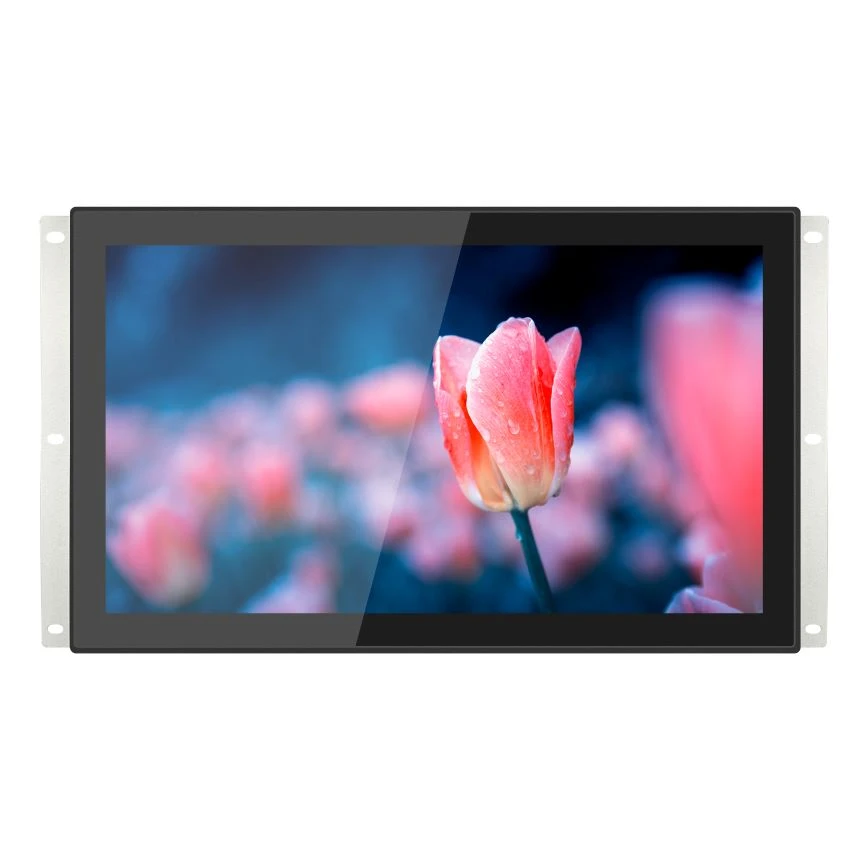
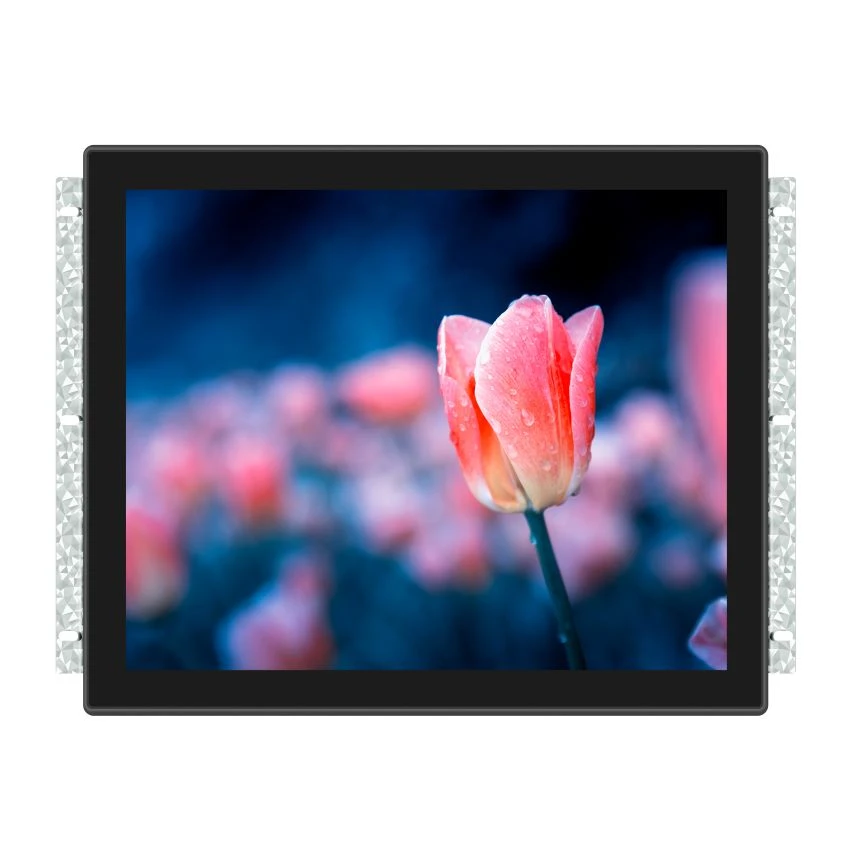
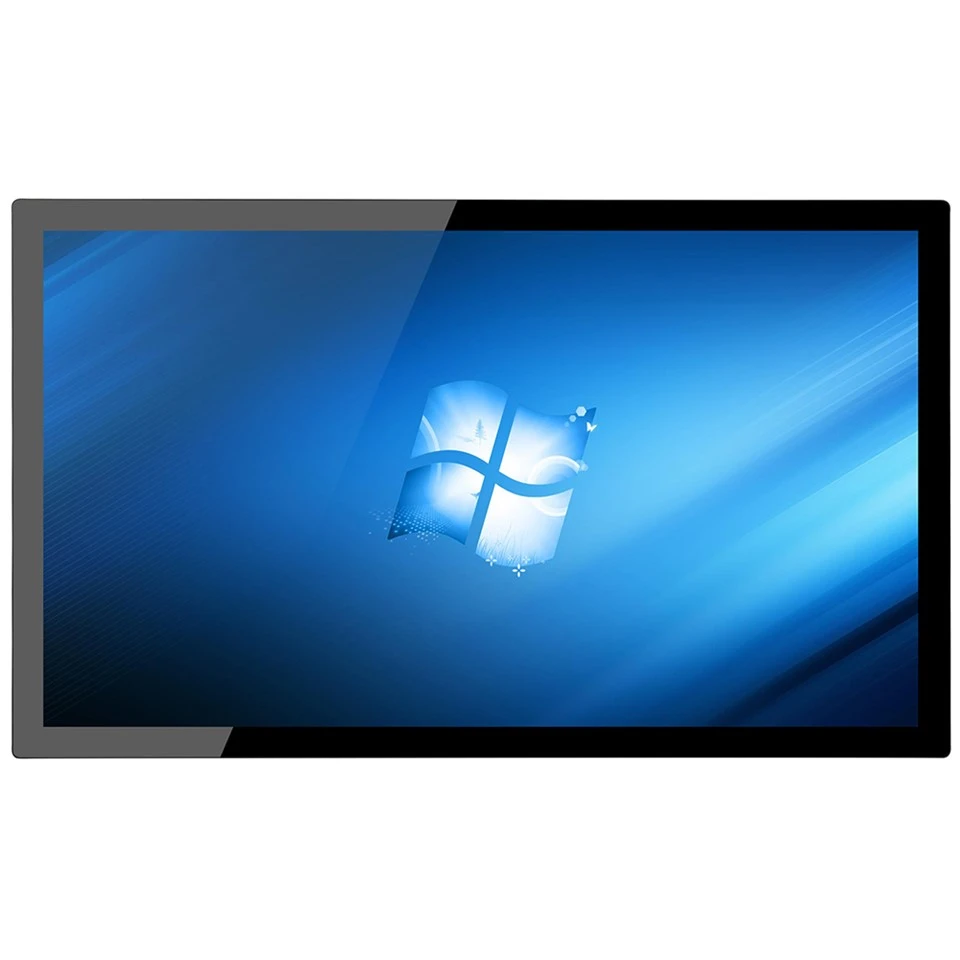

Screen Size and Resolution
Open frame Panel PC can be customized to fit specific screen sizes and resolutions, depending on the application requirements. For example, displays used in transportation systems may require a larger screen size than displays used in healthcare facilities.
Touchscreen Technology
Open-frame Panel PC can be customized with different types of touchscreen technology, such as resistive or capacitive touchscreens. This allows users to interact with the display using different methods, depending on their preferences.
Connectivity Options
Open frame Panel PC can be customized with various connectivity options, such as Wi-Fi, Bluetooth, and Ethernet. This allows the displays to be integrated with different types of systems and networks, depending on the application requirements.
Enclosure Design
Open frame Panel PC can be customized with different enclosure designs, depending on the application requirements. For example, displays used in outdoor environments may require a weather-resistant enclosure to protect against the elements.
Software and Firmware
Open frame Panel PC can be customized with different software and firmware options, depending on the application requirements. This allows the displays to support different types of content and functionality, depending on the user's needs.
How to Choose Industrial Panel PC?
Application Requirements
Understand Your Application: Identify the specific industrial application for which you need an Industrial Panel PC. Different industries have unique requirements, such as manufacturing, automation, or process control. Ensure the chosen Panel PC aligns with your application needs.
Performance and Processing Power
Processor Specifications: Assess the processing power required for your industrial tasks. Consider factors like CPU speed, number of cores, and compatibility with the software applications you'll be running. Choose a Panel PC with sufficient processing capabilities to handle your workload efficiently.
Display Characteristics
Screen Size and Resolution: Determine the ideal screen size and resolution based on your application's visual requirements. A clear and appropriately sized display is crucial for effective monitoring and control. Consider factors like touchscreen capability for user-friendly interactions.
Environmental Considerations
IP Rating: Industrial environments can be harsh, with exposure to dust, moisture, and temperature variations. Check the Ingress Protection (IP) rating of the Panel PC to ensure it meets the environmental conditions of your facility. Higher IP ratings indicate better protection against dust and water ingress.
Connectivity Options
Ports and Interfaces: Evaluate the connectivity options provided by the Industrial Panel PC. Ensure it has the necessary ports and interfaces for connecting to other industrial equipment, peripherals, and networks. Consider USB, Ethernet, HDMI, and serial ports based on your connectivity needs.
Mounting Options
Mounting Flexibility: Consider the mounting options that suit your industrial setting. Industrial Panel PCs offer various mounting configurations, including panel mount, VESA mount, or rack mount. Choose a mounting option that integrates seamlessly with your facility's layout.
Durability and Build Quality
Build Materials: Assess the build quality and durability of the Industrial Panel PC. Look for robust materials that can withstand vibrations, shocks, and other challenging conditions. A ruggedized design ensures longevity in demanding industrial environments.
Customization and Expandability
Scalability Options: Consider whether the Panel PC allows for customization and future expandability. Industrial needs may evolve, and having a system that can accommodate additional features or upgrades ensures long-term flexibility and usability.
Components of Industrial Panel PC
Mainboard
The cornerstone of the industrial panel PC, the industrial mainboard, is a product of our independent research and development, tailored to meet specific industrial requirements.
Processor
At the heart of the mainboard lies the processor - a critical component using board-mounted Intel or Android chips, ensuring seamless and robust computing power.
Memory
To enhance stability, our industrial panel PCs incorporate board-mounted memory particles, delivering reliable and consistent performance.
Hard Disk
Responding to diverse customer needs, the panel PC's hard disk is typically mechanical but can be customized for different specifications.
LED Display
The display in industrial panel PCs differs from commercial variants, using industrial-grade screens to accommodate tougher environments. Most models include a touch feature, necessitating an additional layer of industrial touchscreen, available in resistive or capacitive options.
Front Frame
Distinguishing itself from commercial PCs, the industrial panel PC's front frame is constructed from high-strength aluminum alloy or 304 stainless steel, ensuring durability and resilience.
I/O Expansion Board
To swiftly cater to varied customer requirements for multiple I/O interfaces, these PCs generally feature modular I/O boards with European socket connections.
Heat Sink
Due to the CPU's significant heat generation, industrial panel PCs commonly utilize fanless heat dissipation methods. This is achieved through aluminum or pure copper profiles connected to the CPU, leading to large-area heat sink fins for efficient cooling.
Wireless Communication Module
Some models are equipped with wireless communication modules like WIFI, Bluetooth, and 4G networks, enhancing connectivity and versatility.
Switch Indicator
A connected LED indicator is standard for real-time monitoring of the PC's operational status, providing a clear visual indication of the system's activity.
Touchpad Module
The touchpad module in these PCs is designed for stable performance and high accuracy, ensuring precise control without drift.
Internal Fixing Plate and Bracket
A robust internal structure, comprising fixing plates and brackets, is essential to secure all components, ensuring stable installation and operation.
Internal Hardware Wiring
While a significant portion of the PC comprises integrated circuits with modular interfaces, cable connections are still prevalent for various hardware components.
External I/O Shield
Given the plethora of I/O interfaces on the industrial mainboard, an external I/O shield is incorporated for aesthetic and functional purposes.
Rear Case
The assembly of an industrial panel PC is completed with a rear case, encapsulating and protecting the internal components.
Accessories
Typical accessories include AC power cords and power adapters, rounding off the complete package of the industrial panel PC.
Temperature and Environmental Considerations of Industrial Open Frame Panel PC
Impact of Temperature on Fanless Panel PC Performance
The operating temperature of industrial fanless panel PCs is a critical factor influencing their performance and longevity. This section explores the direct impact of temperature fluctuations on the functionality of these robust computing devices.
Temperature Thresholds:
- Explanation of the recommended operating temperature range
- Consequences of operating below or above the specified thresholds
Heat Dissipation Challenges:
- How temperature variations affect the fanless cooling system
- The correlation between elevated temperatures and reduced system efficiency
Performance Degradation:
- Discussion on the degradation of CPU and other components under high temperatures
- Long-term effects on system stability and reliability
Tips for Maintaining an Optimal Operating Environment
Creating and maintaining an optimal operating environment is crucial for maximizing the performance and lifespan of industrial fanless panel PCs. This part of the blog provides practical tips to ensure that the environmental conditions are conducive to the seamless operation of these computing systems.
Climate Control Measures:
- Importance of air conditioning and climate control systems in industrial settings
- Recommendations for maintaining a consistent ambient temperature
Ventilation and Airflow:
- Strategies for optimizing natural ventilation in the installation area
- Ensuring proper airflow to enhance heat dissipation
Location Considerations:
- Choosing suitable locations for installing fanless panel PCs
- Avoiding areas with direct sunlight exposure or extreme temperature fluctuations
Enclosure Selection:
- How the choice of enclosures influences temperature regulation
- Selecting enclosures with proper ventilation and heat dissipation features
Temperature Monitoring Systems:
- Implementation of temperature monitoring tools and systems
- Early warning systems for detecting temperature spikes and abnormalities
Regular Environmental Audits:
- Conducting periodic audits to assess the operating environment
- Adjustments and improvements based on audit findings
Certificate

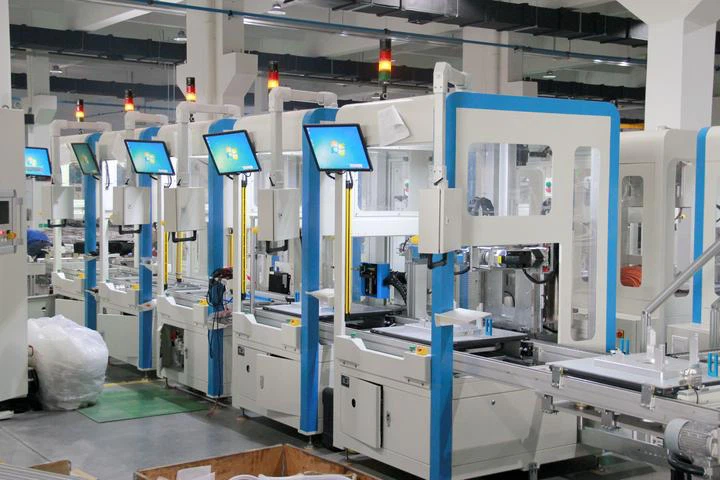
Solutions
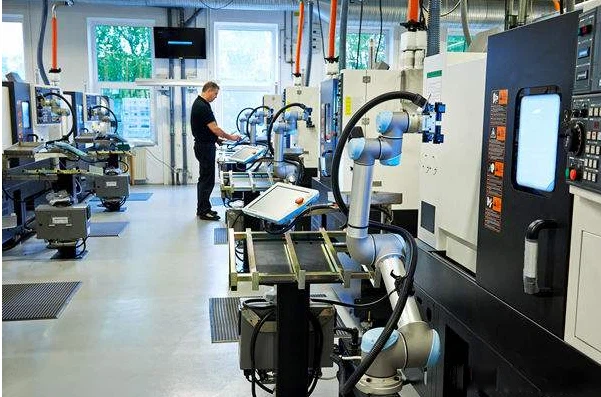
Frequently Asked Questions
Q: What is the use of industrial panel PC?
Q: What is an open frame screen?
Q: What is the advantage of industrial open frame panel PC?
Q: Can open frame panel PCs be customized?
Q: How do I mount an Open Frame Panel PC?
Q: Are Open Frame Panel PCs suitable for outdoor use?
Q: What is the lifespan of an Open Frame Panel PC?
Q: Which computer is used in industrial operation?
Q: How do I maintain and service industrial panel PCs?
Q: Are industrial panel PCs compatible with industry standards and regulations?
Q: What are the different types of industrial computers?
Q: Which computer is used in industry?
Q: What computer system do most companies use?
Q: What support and warranty options are available for Open Frame Panel PCs?
As one of the leading industrial open frame panel pc manufacturers and suppliers in China, we warmly welcome you to buy high-grade industrial open frame panel pc from our factory. All customized products are with high quality and low price.
Panel Mount Touch Screen Monitor, Self Ordering Kiosk, Industrial Panel Mount Panel PC