What is Kiosk Mode?
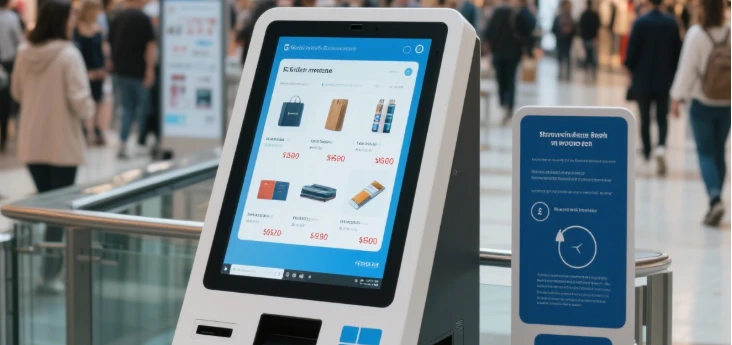
Kiosk Mode, also known as Assigned Access or Single App Mode, is a feature in operating systems like Windows 10 and Windows 11 that allows you to restrict a computer or device to running only a specific application or set of applications. It essentially transforms the device into a self-service kiosk, limiting user access to predetermined functionalities or content. It's commonly used in public settings, retail environments, educational institutions, and other scenarios where restricting user access is necessary. delve into Kiosk Mode on Windows 10 and Windows 11, exploring its features, setup processes, and its wide-ranging applications.
What Are The Key Features of Kiosk Mode?
01
Limits access: Users can only interact with the designated application(s) and cannot access other parts of the operating system.
02
Customizable experience: Administrators can configure which application(s) users have access to, as well as customize the user interface to suit specific needs.
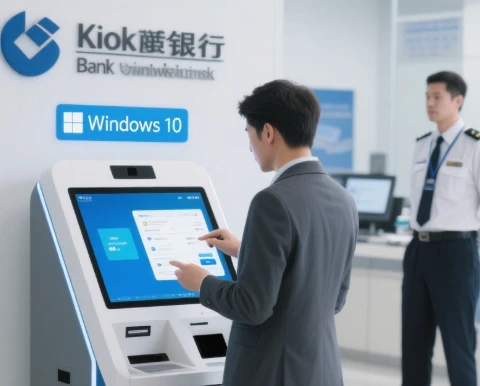
03
Enhanced security: By restricting access to only authorized applications, Kiosk Mode helps prevent unauthorized usage and protects sensitive data.
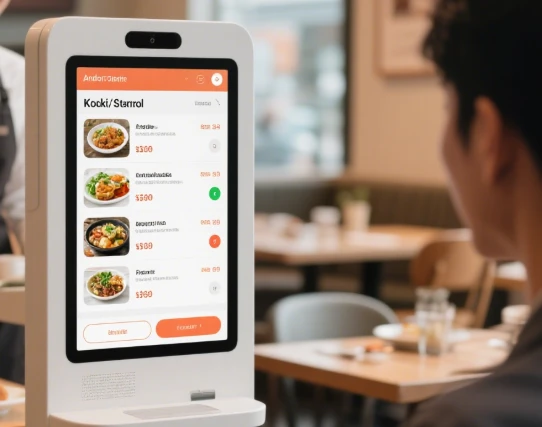
04
Simplified user experience: Kiosk Mode provides a streamlined and focused user interface, eliminating distractions and reducing the risk of user error.
Which Operating System Support Kiosk Mode?
Kiosk Mode or similar features are available in various operating systems such as Windows 10, Windows 11, macOS, iOS/iPadOS, Android, Chrome OS, and some Linux, offering administrators the ability to restrict user access and customize the user experience for specific purposes
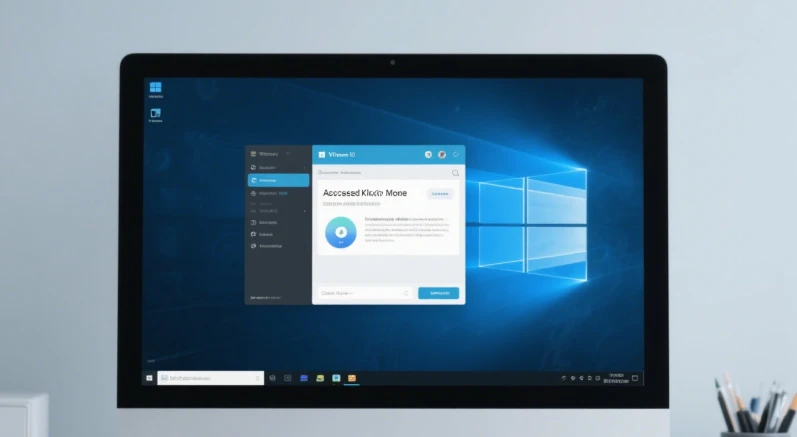
Windows 10: Windows 10 offers Assigned Access, a feature that allows you to set up a single application for a user account, effectively creating a Kiosk Mode environment.
Windows 11: Like its predecessor, Windows 11 provides Kiosk Mode functionality through Assigned Access, enabling administrators to restrict users to a single application or a curated set of applications.
macOS: macOS includes a feature called "Single App Mode" or "Kiosk Mode" through the Apple Configurator tool. It allows you to lock a Mac into running a specific application, ideal for interactive kiosks or public displays.
iOS/iPadOS: Apple's mobile operating systems, iOS and iPadOS, offer Guided Access, which allows you to restrict an iPhone or iPad to a single app and control which features are available. While not exactly the same as traditional Kiosk Mode, it serves a similar purpose for certain use cases.
Android: Android devices can be configured for Kiosk Mode using various methods, including dedicated Kiosk Mode apps or device management solutions. These options allow administrators to lock down devices to specific apps or functionalities, making them suitable for use as interactive kiosks or digital signage displays.
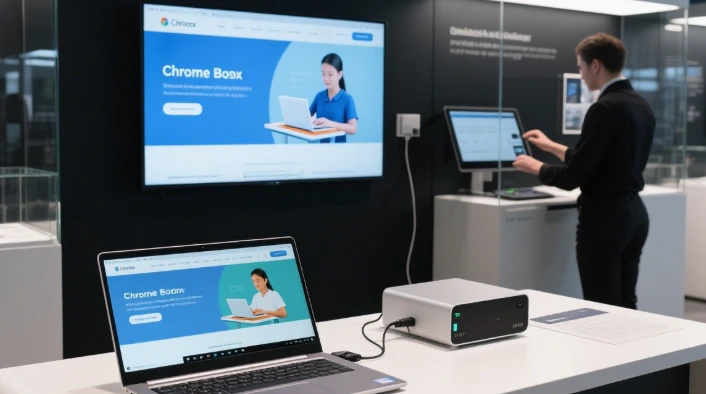
Chrome OS: Chromebooks and Chromeboxes running Chrome OS support Kiosk Mode through the Chrome Device Management console. Administrators can configure devices to run in Kiosk Mode, limiting users to specific web apps or Chrome browser sessions.
Linux: Various Linux distributions offer Kiosk Mode or similar functionality through custom configurations or third-party tools. Depending on the distribution and requirements, administrators can set up Linux-based systems for kiosk-style deployments.
What Are The Applications and Use Cases of Kiosk Mode?
Kiosk Mode finds extensive applications across various industries and environments, offering tailored solutions for enhancing customer experiences, streamlining operations, and improving access to information. From retail displays to healthcare facilities, educational institutions to entertainment centers, Kiosk Mode serves diverse purposes, providing controlled access to specific applications or content.
01
Retail Displays: Present product information, promotions, or interactive catalogs in retail stores.
02
Self-Service Terminals: Enable check-in, ticketing, and information retrieval in airports, hotels, and public venues.
03
Education and Training: Restrict access to specific learning applications or course materials in educational settings.
04
Digital Signage: Display dynamic content and advertisements in public spaces using digital signage solutions.
05
Information Kiosks: Provide access to maps, directories, and informational content in public areas like museums or tourist centers.
06
Visitor Management: Streamline visitor registration and check-in processes in corporate offices or event venues.
First-class professional team for you to recommend products more in line with your needs. Perfect after-sale services exempt your worries.
Our address
No.5F, Building 24, Longbi Industry City, Bantian Street, Longgang District, Shenzhen City, Guangdong Province, China
Phone Number
+86-755-28447130
+8613632535154
sales@bestview.cc