


Differences Between Resistive, Capacacitive, Infrared, and Acoustic Wave Touch Technologies: Materials, Functionality, and Applications
Touchscreen technologies have revolutionized human-device interaction, with resistive, capacitive, infrared, and acoustic wave (surface acoustic wave, SAW) being the most common types. Each technology differs in material composition, operating principles, and practical applications. Below is a detailed comparison:
1. Resistive Touchscreens
Material Composition:
Two flexible layers: A top polyester or plastic film and a bottom glass or rigid plastic layer.
Both layers are coated with a transparent conductive material (e.g., indium tin oxide, ITO).
Spacer dots separate the layers to prevent accidental contact.
Key Features:
Compatible with any stylus, glove, or fingernail.
Low cost and simple design.
Lower durability due to wear on the flexible layers.
Limited to single-touch input.

Working Principle:
Pressure-based activation: When the top layer is pressed, it makes contact with the bottom layer, creating a voltage gradient.
The touch point is calculated by measuring the change in electrical current at the contact location.
Applications:
Industrial control panels, ATMs, low-cost kiosks, and older handheld devices.
2. Capacitive Touchscreens
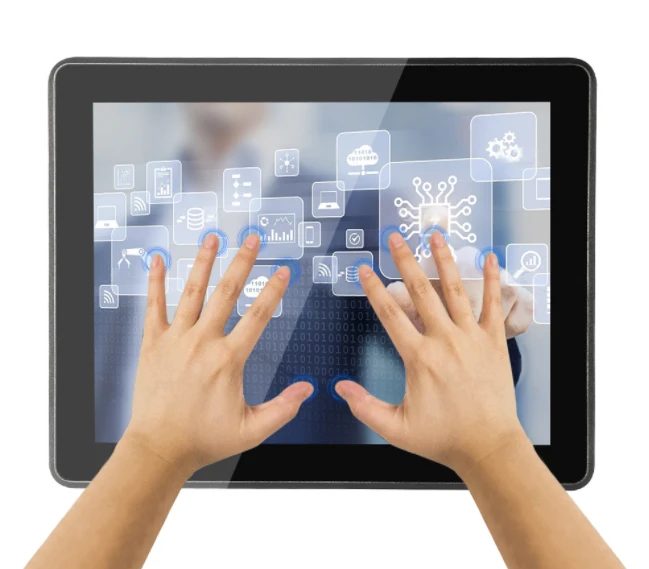
Capacitive Touchscreens
Material Composition:
A glass panel coated with a conductive material (ITO or metal mesh).
Some designs use a protective layer (e.g., Gorilla Glass) for durability.
Modern variants include projected capacitive (PCAP) sensors with grid-patterned electrodes.
Working Principle:
Relies on the electrical properties of the human body.
Touching the screen disrupts the electrostatic field, and the controller detects the capacitance change to pinpoint the touch location.
Supports multi-touch gestures.
Key Features:
High clarity and durability.
Requires bare fingers or capacitive styluses.
Sensitive to environmental interference (e.g., water droplets).
Higher cost compared to resistive screens.
Applications:
Smartphones, tablets, laptops, and interactive public displays.
3. Infrared (IR) Touchscreens
Material Composition:
A glass or acrylic panel.
An array of infrared LEDs and photodetectors along the screen's edges.
No conductive coatings required.
Working Principle:
IR LEDs and detectors create an invisible grid of light beams across the screen.
A touch interrupts the light beams, and the controller calculates coordinates based on the blocked sensors.
Key Features:
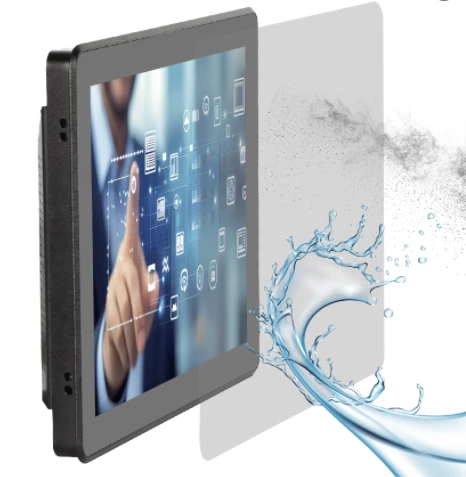
Excellent durability (no surface coatings).
Works with any input method (finger, glove, stylus).
Susceptible to false triggers from dust, ambient light, or debris.
Suitable for large displays.
Applications:
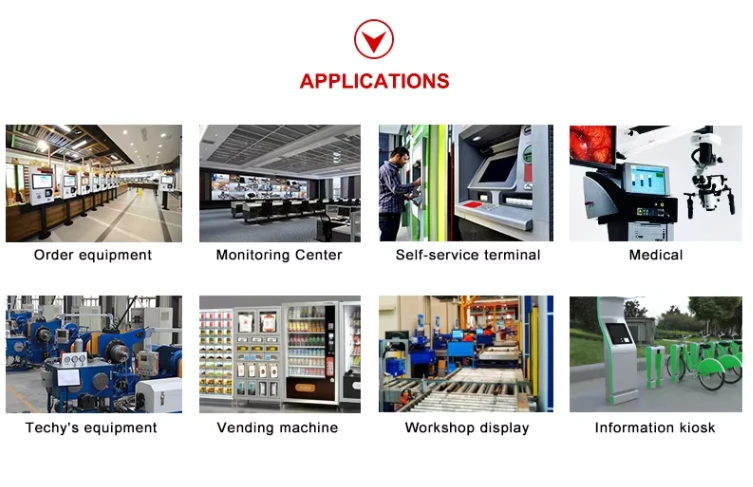
Large-format interactive displays, digital signage, and outdoor kiosks.
4. Acoustic Wave (SAW) Touchscreens
Material Composition:
A glass overlay.
Piezoelectric transducers and reflectors along the edges.

Working Principle:
Ultrasonic waves (surface acoustic waves) travel across the screen.
A touch absorbs some wave energy, and sensors detect the attenuation to determine the touch location.
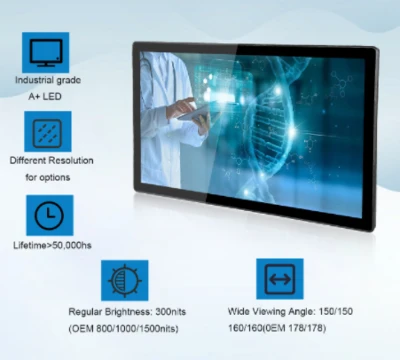
Key Features:
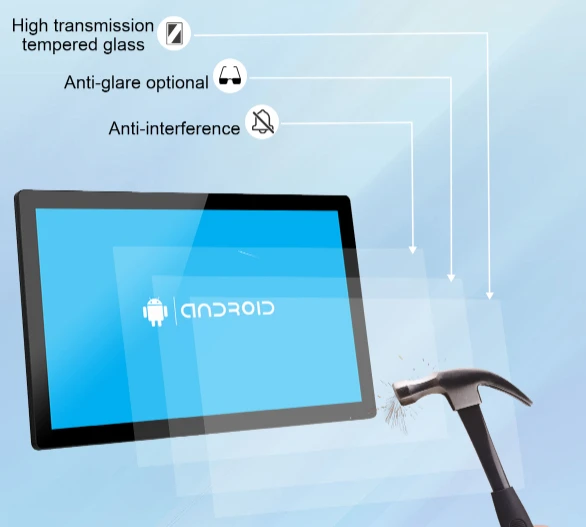
Superior image clarity (no conductive layers).
High sensitivity and scratch resistance.
Vulnerable to contaminants (e.g., water, grease).
Limited to mid-sized screens.
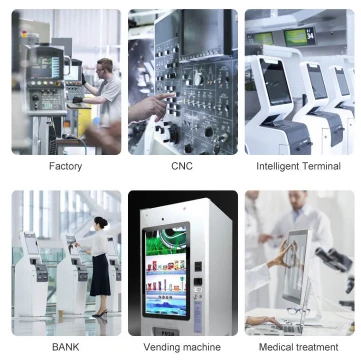
Applications:
High-end gaming machines, medical equipment, and information kiosks requiring crystal-clear displays.
Functional Comparison
| Aspect | Resistive | Capacitive | Infrared | Acoustic Wave |
|---|---|---|---|---|
| Input Method | Any object | Conductive objects | Any object | Any object |
| Durability | Moderate | High | Very high | High |
| Multi-Touch | No | Yes | Yes | Limited |
| Clarity | Moderate | High | High | Very high |
| Cost | Low | High | Moderate | High |
| Environmental | Works in all conditions | Sensitive to moisture | Sensitive to light/debris | Sensitive to contaminants |
First-class professional team for you to recommend products more in line with your needs. Perfect after-sale services exempt your worries.
Our address
No.5F, Building 24, Longbi Industry City, Bantian Street, Longgang District, Shenzhen City, Guangdong Province, China
Phone Number
+86-755-28447130
+8613632535154
sales@bestview.cc

panel computer,industrial touch display,touch screen desktop computer,industrial computer monitor,industrial touchscreen display,industrial touch monitor,all in one desktop touch screen,touch screen desktop,touch screen pc,all in one computers touch screen,all in one touch screen computer,touch screen computer,all in one pc touch screen,industrial touchscreen monitor,industrial touch screen,industrial panel pc,industrial monitor,panel pc,touch screen computer screens,touch screen computer display,pc monitor ips panel,monitor computer touch screen,ips computer monitors,computer monitor ips panel,touch screen computer monitor,lcd display panel