


Android All-in-One vs. Android Media Player: Key Differences
When choosing between an Android All-in-One (AIO) device and an Android Media Player, it's important to understand their distinct purposes and features.
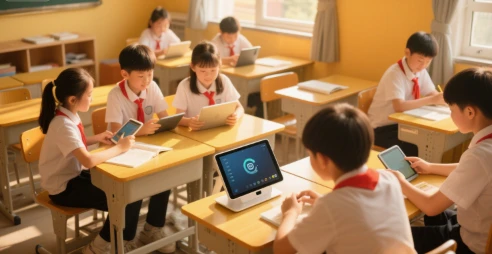
An Android AIO is a multifunctional device combining a touchscreen display, computing power, and Android OS. It's designed for versatility, offering:
Touchscreen Interface – Optimized for interactive use (e.g., kiosks, digital signage, POS systems).
Full Android OS – Supports productivity apps, web browsing, and custom software.
Multiple Connectivity Options – USB, HDMI, Wi-Fi, Bluetooth, and sometimes cellular.
Higher Processing Power – Often equipped with faster CPUs and more RAM for multitasking.
Flexible Use Cases – Ideal for business, education, retail, and smart home control.
2. Android Media Player
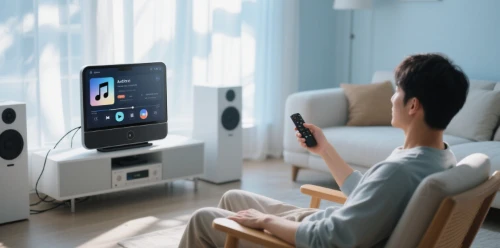
An Android Media Player is primarily designed for streaming and playback, focusing on home entertainment:
Dedicated Media Playback – Optimized for video (4K/HDR), music, and streaming apps (Netflix, YouTube).
Remote Control Support – Typically used with a remote rather than touch input.
Limited Productivity Use – Fewer computing features; mainly runs lightweight apps.
TV-Centric Connectivity – HDMI output, audio ports, but fewer USB/expansion options.
Lower Hardware Requirements – Often uses mid-range processors sufficient for media playback.
Key Comparison
| Feature | Android AIO | Android Media Player |
|---|---|---|
| Primary Use | Business, interactive apps | Home entertainment |
| Display | Touchscreen (often large) | Requires external TV/monitor |
| Performance | Higher CPU/RAM | Optimized for video playback |
| Input Method | Touch, keyboard, mouse | Remote control |
| Connectivity | More ports (USB, serial) | HDMI-focused |
| Software Flexibility | Full Android apps | Limited to media apps |
Which One to Choose?
01
For business, education, or interactive use → Android AIO (better flexibility, touch support).
02
For streaming movies/music on a TV → Android Media Player (cost-effective, optimized playback).
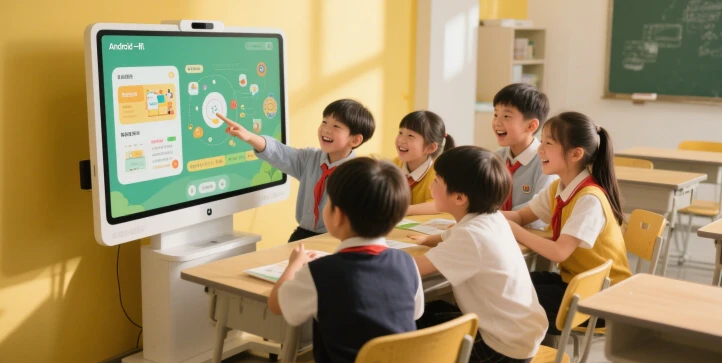
Both devices run Android but serve very different needs. Your choice depends on whether you need a versatile computer replacement or a dedicated entertainment hub.
First-class professional team for you to recommend products more in line with your needs. Perfect after-sale services exempt your worries.
Our address
Jl Cempaka Wangi No 22 Jakarta - Indonesia
Phone Number
+86-755-28447130
+8613632535154
sales@bestview.cc
monitor computer touch screen,pc monitor ips panel,touch screen computer display,touch screen computer screens,panel pc,industrial monitor,industrial panel pc,industrial touch screen,industrial touchscreen monitor,all in one pc touch screen,touch screen computer,all in one touch screen computer,all in one computers touch screen