


Why Do Some Touchscreen Computers Need a Powerful Dedicated Graphics Card?
This is an excellent question. Many might assume that touch computers (typically all-in-ones or high-performance tablets) are for basic tasks and don't need a powerful GPU. However, there is a category of devices that combine a touchscreen with a powerful dedicated graphics card, designed specifically for certain professional and creative workloads.
Here's a detailed breakdown:
Core Reason: A touchscreen is an input/interaction method, while a dedicated graphics card is a hardware component for outputting/processing graphical performance. These two features are not mutually exclusive. When combined, they can revolutionize workflow efficiency for specific tasks.
In simple terms:
The Touchscreen allows you to use your fingers or a stylus to perform precise, intuitive operations directly on the screen, much like drawing on paper.
The Dedicated Graphics Card is responsible for rendering the complex images, effects, and 3D models you see in real-time.
When performing graphics-intensive work, the powerful GPU ensures smoothness and real-time preview, while the touchscreen provides the most direct control method.
In What Scenarios is a Dedicated GPU Needed? (Combined with Touch Functionality)
Here are the most common use cases that require the "touchscreen + powerful GPU" combination:
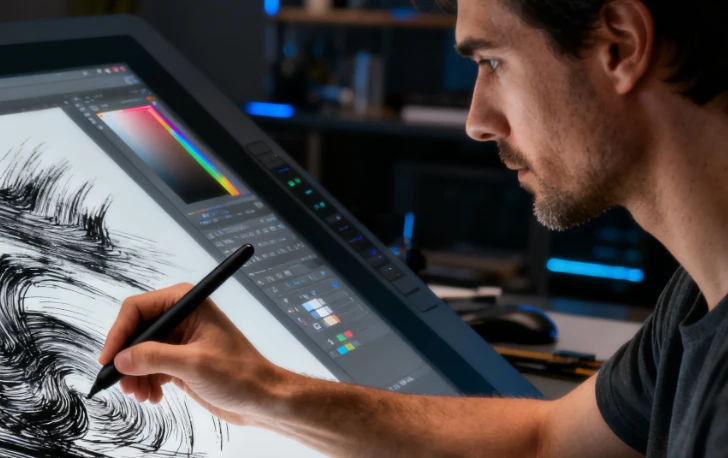
Use Cases: Digital painting, illustration, concept design, photo retouching.
Why it's needed:
Painting: Artists use a stylus to draw directly on the screen. The GPU is needed to quickly respond to brush strokes, handle massive canvases (hundreds of millions of pixels), complex brush textures, and multiple layers without lag.
Photo Editing: When working with high-resolution (tens of megapixels) RAW files and applying filters or液化 (liquify) effects, the GPU's acceleration is crucial.
2. 3D Modeling & Animation
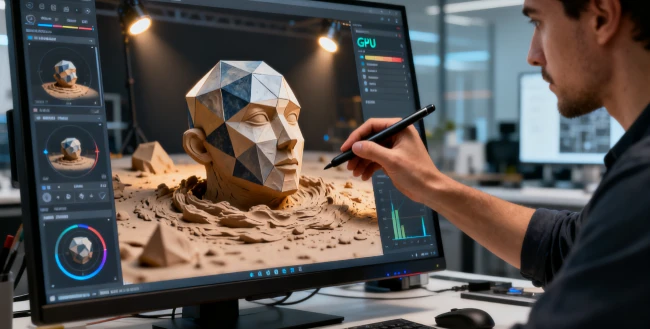
Use Cases: Industrial design, architectural design, character modeling, 3D animation.
Why it's needed:
Modeling: Directly sculpting 3D models on the screen with a stylus, like working with digital clay, requires the GPU to render high-polygon models and complex materials/lighting in real-time.
Viewport Manipulation: Smoothly rotating, zooming, and panning around complex 3D scenes is entirely dependent on GPU performance. Integrated graphics would be unacceptably slow.
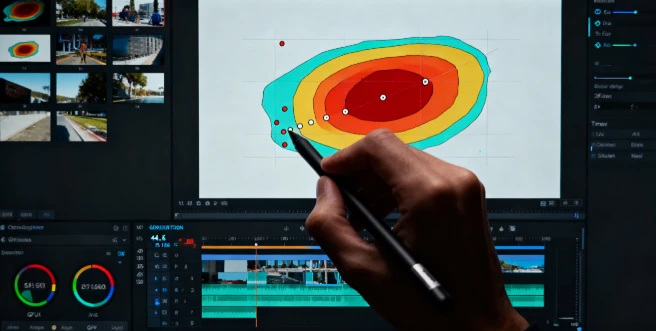
Use Cases: Editing 4K/8K resolution video, adding special effects, color grading.
Why it's needed:
Timeline Preview: The GPU enables real-time rendering of video effects, allowing you to see the final result instantly while editing, without waiting.
Precise Adjustments: You can use your finger or stylus to directly draw masks, track points, or make other fine adjustments on the video footage, all of which require substantial graphical processing power.
4. Architectural & Interior Design
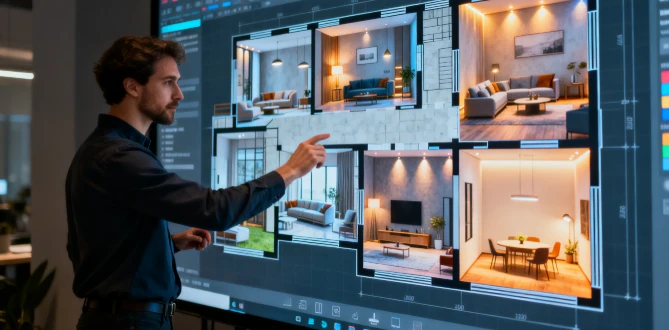
Use Cases: Annotating, designing, and presenting on large architectural plans or 3D interior scenes.
Why it's needed:
Intuitive Design: Designers can drag furniture, modify walls, and see lighting changes in real-time directly on the touchscreen.
Client Presentations: During client meetings, making marks and modifications directly on a 3D render is an incredibly intuitive and efficient experience.
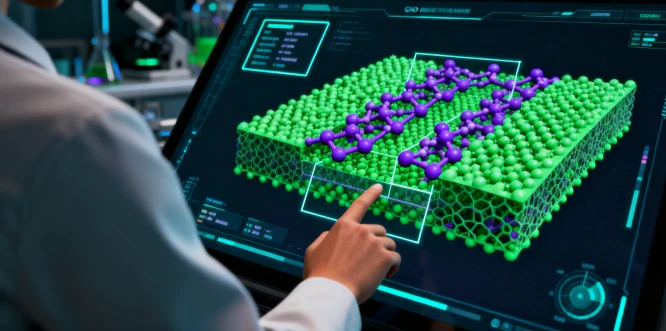
Use Cases: Manipulating complex 3D visualizations of data in fields like medicine (e.g., analyzing MRI scans), scientific research, and engineering.
Why it's needed: The GPU renders intricate scientific models or data imagery, while the touchscreen allows for interactive manipulation like rotation, slicing, and annotation.
6. High-End Gaming & Entertainment
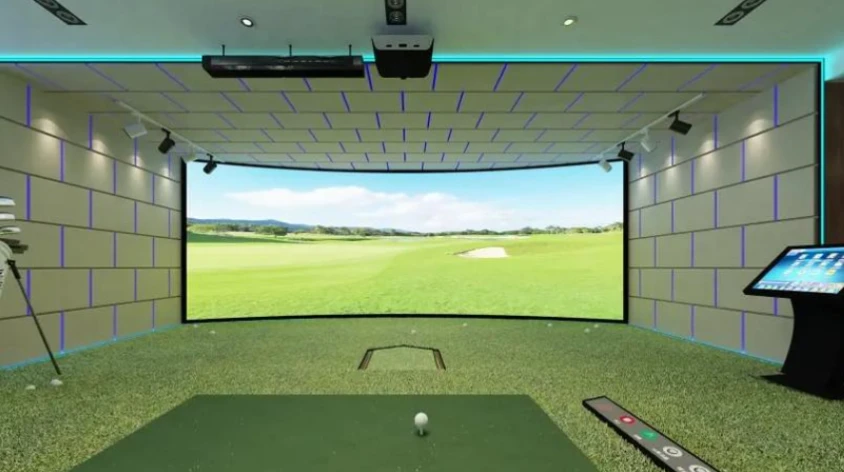
Use Cases: Some high-performance touchscreen all-in-ones or tablets (like certain premium gaming laptops).
Why it's needed: While core gaming still relies on keyboard/mouse or controllers, the touchscreen can be a supplementary control method or for playing touch-native PC games. The powerful GPU is essential for running demanding AAA titles smoothly.
Summary: What Kind of User Needs This Combination?
You can determine if you need a touch computer with a powerful dedicated GPU by asking two questions:
Is your core work heavily dependent on graphical performance?
Yes: Do you work with large 3D models, ultra-high-resolution video/images, or complex effects? If so, a powerful dedicated graphics card is a necessity.
Would your workflow be significantly more efficient with "direct manipulation"?
Yes: Are you an artist who prefers to draw by hand? Or do you frequently need to annotate and modify designs or models directly? If so, a touchscreen (especially with pressure sensitivity) offers a massive advantage.
Conclusion:
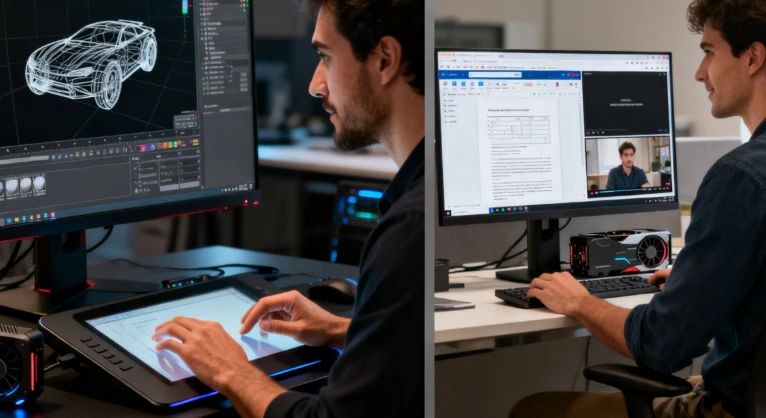
When your work simultaneously meets the two criteria of "high graphical load" and "high interaction demand," a touch computer with a powerful dedicated graphics card becomes an extremely productive tool. It perfectly merges "creation" and "interaction" on a single screen, dramatically optimizing the workflow from concept to execution.
Conversely, if your use case is limited to web browsing, office work, and watching videos, an integrated GPU is sufficient, and a touchscreen is more of a "nice-to-have" feature rather than a core requirement.