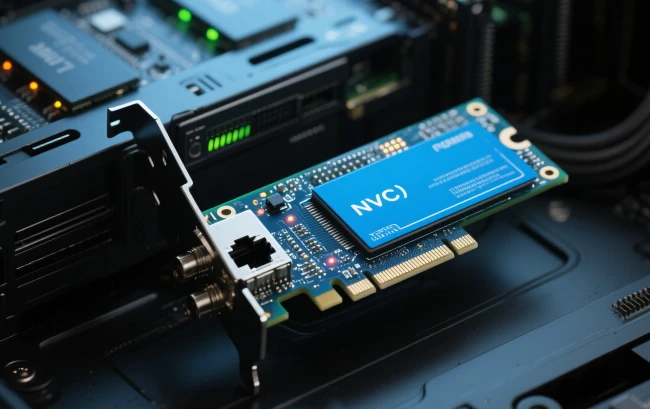
A Network Interface Card (NIC), a fundamental hardware component, is what enables a computer or device to connect to a network. It can be integrated into the motherboard or installed as an expansion card on a computer, marking its indispensable role in computer networking.
NICs manage the conversion and transmission of data between the network and the computer. They use protocols that determine how data is formatted and transmitted, ensuring it can be properly sent and received over a network.
NICs can connect to various types of networks, including Ethernet, Wi-Fi, and others, and they support different bandwidths and speeds depending on the network type and the card's specifications.
What Is The Most Common Type of NIC?
Wireless
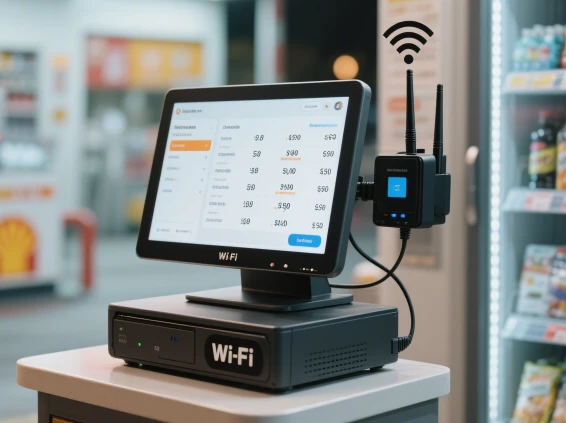
Wi-Fi is everywhere these days. You can find public Wi-Fi in most coffee shops, restaurants, and gas stations. NICs that link to Wi-Fi use an antenna to send data to Wi-Fi routers via radio frequency signals. This antenna is usually hidden inside laptops, but on many desktop NICs, it protrudes from the back.
Wired
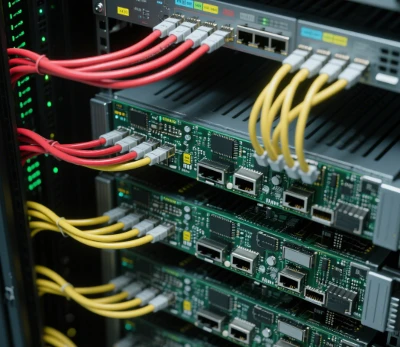
This type of NIC connects to the network using a cable. Ethernet cables are the most commonly used type of cable. Many modern motherboards have an integrated NIC, and some server motherboards have multiple NICs to manage heavy traffic.
USB
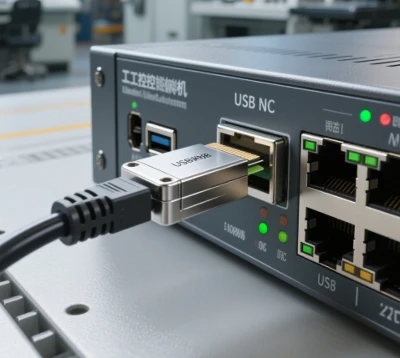
Unlike other NICs mentioned, which are chips or cards attached directly to the computer's motherboard, this type uses a USB connection.
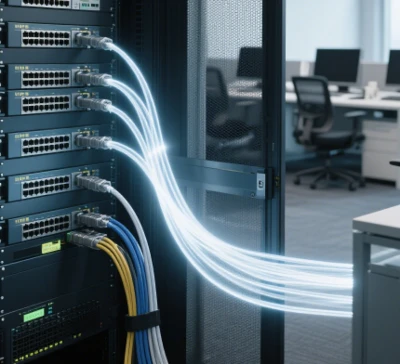
Fiber Optic
Fiber optic cables provide the highest connection speeds available today. However, to utilize this speed, you need a NIC capable of converting digital data into light and vice versa.
What are the components of NIC?
The components of a Network Interface Card (NIC) typically include the following key parts:
Controller Chip
The brain of the NIC, this chip handles data flow between the computer and the network. It processes all the data that passes through the NIC, managing tasks such as data conversion, error detection, and packet prioritization.
MAC Address
A unique identifier assigned to each NIC, allowing it to be identified on the network. This hardware address is used to ensure that data packets reach the correct destination.
Connector
Depending on the type of network, NICs have different connectors. For Ethernet NICs, this is typically an RJ-45 connector for wired connections. Wireless NICs utilize internal or external antennas, and fiber optic NICs have fiber optic cable connectors.
Bus Interface
This component connects the NIC to the computer's motherboard, allowing data transfer between the NIC and the CPU. Common interfaces include PCI, PCIe (for internal NICs), and USB (for external NICs).
Transceiver
Found mainly in wired NICs, the transceiver manages the sending and receiving of data signals over the network cable. In fiber optic NICs, this transceiver handles light signals.
LED Indicators
These lights provide visual feedback on the status of the network connection. They can indicate power status, connection activity, and data transmission speeds.
Memory (Buffers)
Memory within the NIC is used to store data temporarily as it is being processed and transmitted. This helps in managing the flow of data and compensates for speed differences between the network and the computer.

FAQs
How do I know if my NIC is working properly?
You can check the status of your NIC by looking at the network connection status in your device's operating system settings. If the device says it is connected and you can access the internet or other network resources, it is likely working properly. Additionally, the activity lights on the NIC itself can indicate whether it is transmitting or receiving data.
Can a computer have more than one NIC?
Yes, a computer can have multiple NICs. This can be useful for managing different networks, improving network performance, or ensuring network redundancy for higher availability.
What is the difference between an integrated NIC and an expansion NIC?
An integrated NIC is built into the motherboard of the computer, while an expansion NIC is a separate card that can be added to a computer through an expansion slot. Integrated NICs are common in most modern computers, while expansion NICs are used when additional network connections are needed or for specialized networking requirements.
The MAC address is a unique identifier assigned to a NIC, used to identify the device on a local network. It ensures that data sent over the network reaches the correct device.
We denounce with righteous indignation and dislike men who are so beguiled and demoralized by the charms and demo data been dummy tndustry dard righteous
First-class professional team for you to recommend products more in line with your needs. Perfect after-sale services exempt your worries.
Our address
No.5F, Building 24, Longbi Industry City, Bantian Street, Longgang District, Shenzhen City, Guangdong Province, China
Phone Number
+86-755-28447130
+8613632535154
sales@bestview.cc