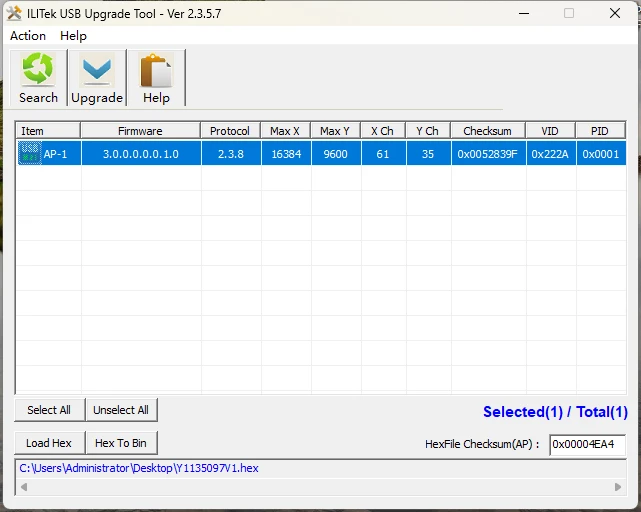
1: prepare a Windows OS computer to connect the monitor though USB touch cable
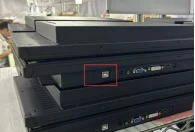
2: move the tools  and zip file
 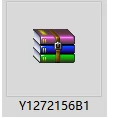 I sent to that Windows OS computer.
3:And un-zip this file first.
4:open "ilitekUSBUpgradeTool_v2.3.5.7"

5:Run the "ilitekUSBUpgradeTool_v2.3.5.7" upgrade tool on a Windows computer
Click"Search"to connect the touch control board
5: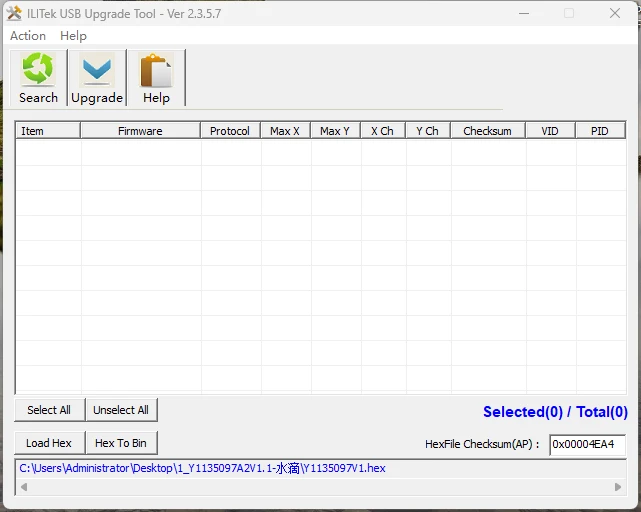
6:Find out the touch control board of the monitor.
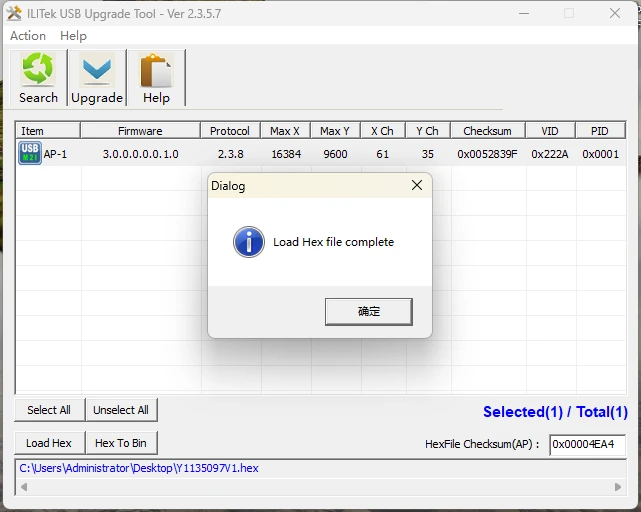
AND click"Load Hex"to Upload the firmware that needs to be upgraded
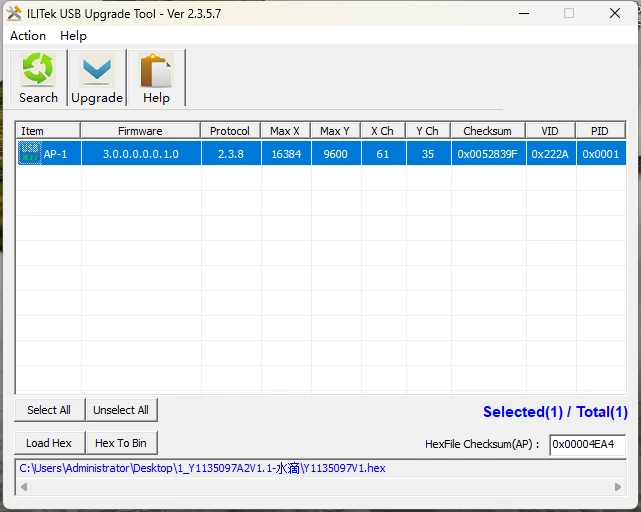
7:After the firmware is imported, you can start burning. Click "Upgrade" to start burning, and finally wait for more than ten seconds for the burning to succeed.
8: