


How to choose touch display for a payment kiosk.
Option Overview
01
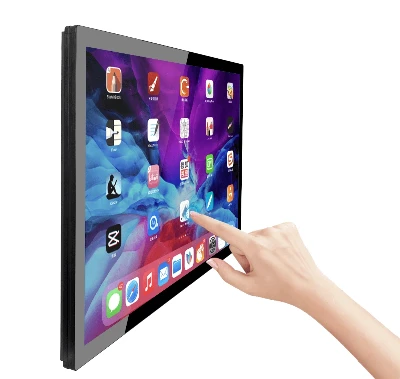
All-in-One Touch Computer: A complete device that integrates the computer, display, and touchscreen into a single housing. Examples Bestview Industrial touch panel PCs on the market.
Industrial Panel PC(size from 7 inch to 65 inch)

02
Mini PC + Touch Monitor: Uses a standard commercial touch monitor connected via HDMI/USB cables to a separate Bestview industrial Mini PC and industrial touch screen monitor
03
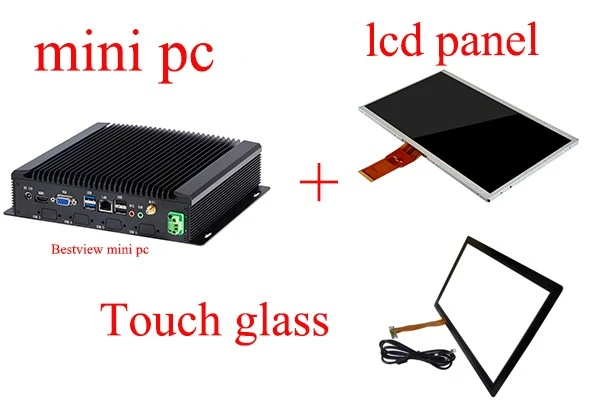
Mini PC + LCD Module + Touch Glass Kit: Involves purchasing separate components (LCD panel, driver board, touch glass or film, housing) and assembling them into a display/touch unit, which is then connected to a mini PC. This is the most DIY approach.
1. Initial Installation
Touch screen all in one panel pc (Easiest)
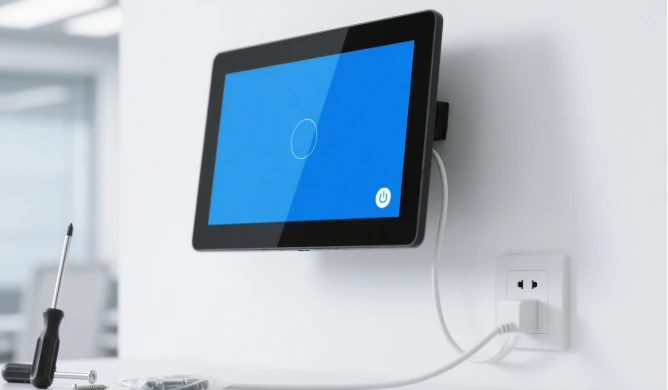
Pros: Extremely simple installation. You only need to design the placement and fixing method (e.g., wall mount, floor stand,open frame embbeded). The device itself only requires a power cable to start working. All internal wiring is completed at the factory, requiring no assembly. Significantly saves installation time, labor costs, and reduces complexity.
Cons: Low flexibility. Once the size and configuration are chosen, it's difficult to change later.
Mini PC + Touch Screen Monitor (Relatively Easy)
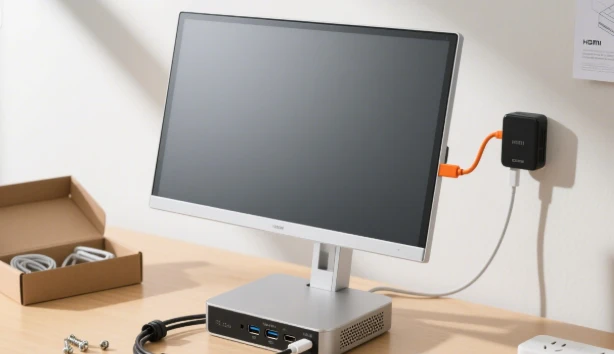
Pros: Offers good flexibility. The touch monitor and PC can be selected separately to match different size and performance needs. During installation, the PC needs to be secured behind the monitor or inside the terminal cabinet, then connect the monitor's HDMI cable and the touch USB cable, and finally connect the power (might require two power cables).
Cons: Involves more cabling and securing the PC compared to the AIO, requiring reliable connections. Requires planning for concealing the PC and managing heat dissipation.
Mini PC + LCD Module & Touch Glass(Most Complex)
Pros: Maximum customizability. Allows for creating screens of any non-standard size, ratio, or shape to perfectly match the industrial design of the terminal, achieving ultra-narrow bezels or special-shaped screens.
Cons: Extremely complex installation. Requires self-assembly of the LCD panel, driver board, power board, and touch glass, and solving compatibility and physical mounting issues between all components. A custom housing must be designed to accommodate everything. Involves technical challenges like high voltage and signal interference, requiring professional engineering support. Long R&D and debugging cycles with high initial costs.
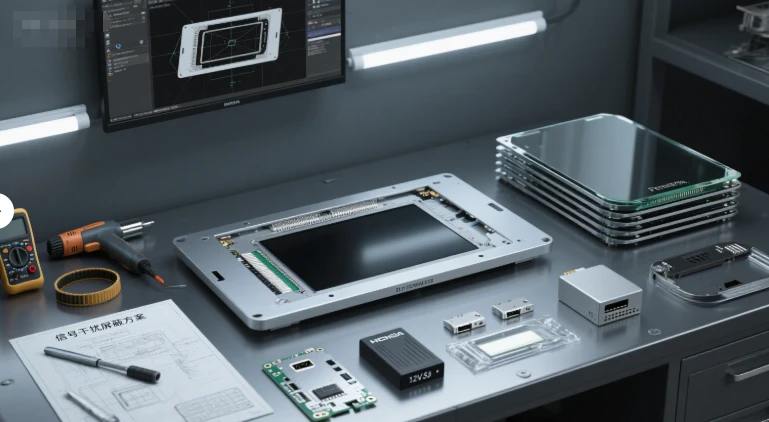
Installation Summary:
AIO > Split System (Mini PC+Monitor) > Module Kit. If rapid deployment and simplified installation are priorities, the All-in-One Touch Computer is the best choice. If the budget is limited and some technical capability exists, the split system is a balanced choice. The module kit is only suitable for special customization needs and large-scale production to amortize costs.
2. Customer Experience
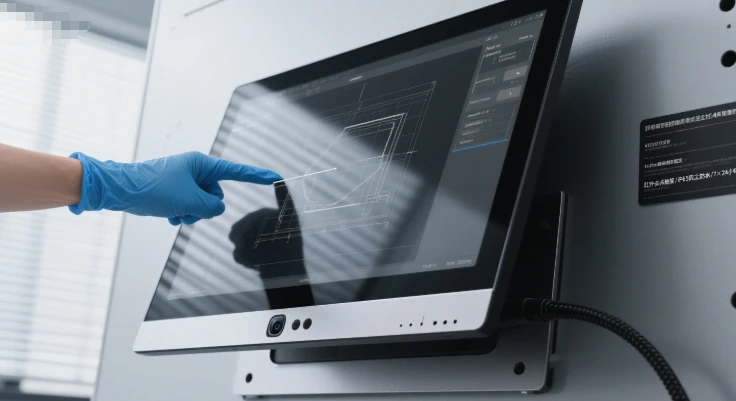
All-in-One Touch Computer (Good)
Pros: As a factory-built unit, it undergoes strict testing and calibration by the manufacturer, ensuring good touch accuracy, sensitivity, and display quality. Strong integrity and aesthetically clean appearance. Commercial-grade AIOs often use high-quality infrared or optical touch frames, with strong anti-mis touch and interference capabilities, support for gloved operation, providing a stable and reliable user experience.
Cons: Choice of brands and models might be less extensive than standard monitors.
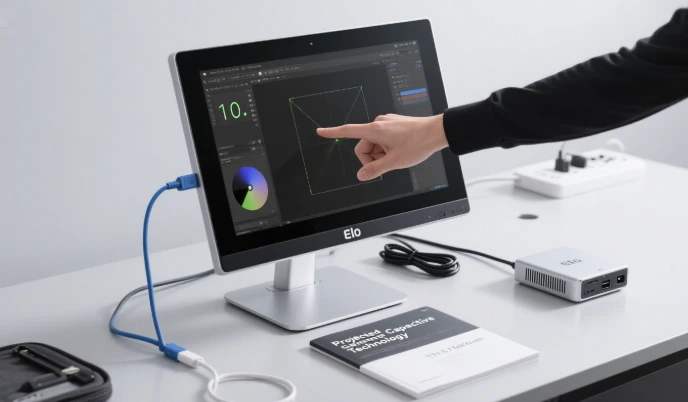
Mini PC + Touch Monitor (Good - Potentially Excellent)
Pros: Allows selection of professional touch monitor brands (e.g., Elo, 3M, Dell). These monitors often offer top-tier touch experience (e.g., using Projected Capacitive technology, the same as smartphones), providing very smooth and precise touch feel. Display quality is usually also very good.
Cons: Experience quality depends heavily on the chosen monitor's grade. Choosing a low-quality touch monitor will result in a poor experience.
Mini PC + LCD Module & Touch Kit (Highly Uncertain)
Pros: In theory, by sourcing top-tier modules (e.g., touch glass equivalent to iPad grade), it's possible to achieve an excellent experience (ultra-thin, transparent display, sensitive touch).
Cons: Experience is highly unstable and risky. Touch accuracy and sensitivity require significant software debugging and calibration, testing technical prowess. If调试 (debugging) is poor, issues like drift, unresponsiveness, and false touches can occur. Inherently weak anti-interference ability, susceptible to environmental factors. Overall reliability is far lower than mature products from the first two options.
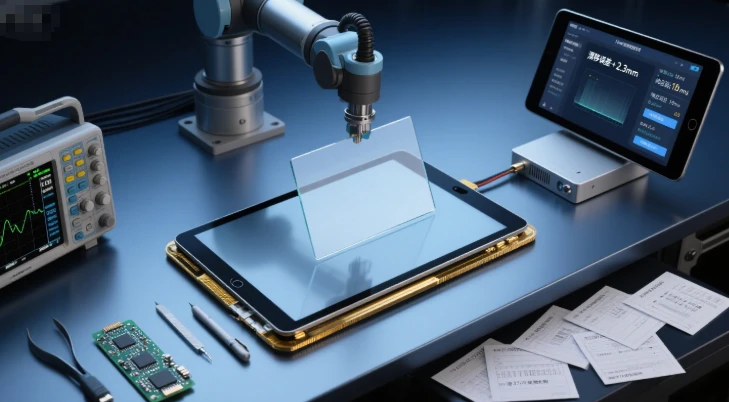
Experience Summary:
Split System (Quality Brand) ≈ AIO (Quality Brand) > Module Kit. To provide customers with a stable, smooth, and reliable experience, choosing a well-known brand of commercial touch all-in-one or touch monitor is the safest bet. The module kit approach carries too much uncertainty for most projects.
3. Long-Term Maintenance
All-in-One Touch Computer (Relatively Convenient)
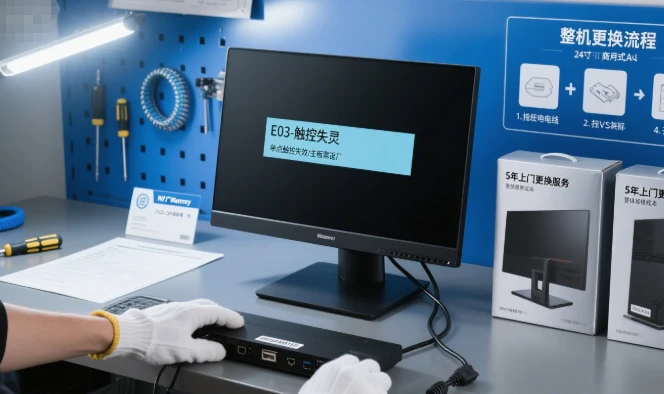
Pros: When a failure occurs, the entire unit is replaced as a whole. On-site repair is fast, minimizing downtime. Only requires stocking a spare AIO. Clear responsibility, with the AIO manufacturer providing a single warranty.
Cons: Highest maintenance cost. If any component (screen, touch, computer) fails, the entire device usually needs replacement or repair, even for a minor issue.
Mini PC + Touch Monitor (Most Convenient)
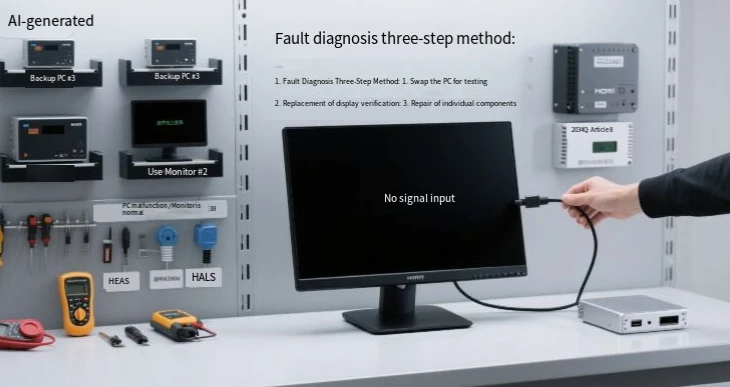
Pros: Lowest maintenance cost and highest flexibility. This is the biggest advantage. If the screen or touch fails, only the monitor needs replacement; the Mini PC can be reused. If the Mini PC becomes obsolete or fails, only it needs replacement; the monitor can be reused. Simple fault diagnosis (quickly locate the issue by swapping parts), low spare part cost, and easy procurement.
Cons: Requires stocking two types of spare parts (PC and monitor).
Mini PC + LCD Module & Touch Kit (Most Difficult)
Pros: In theory, a sub-component (e.g., driver board, LED strip) can be replaced individually at the lowest cost.
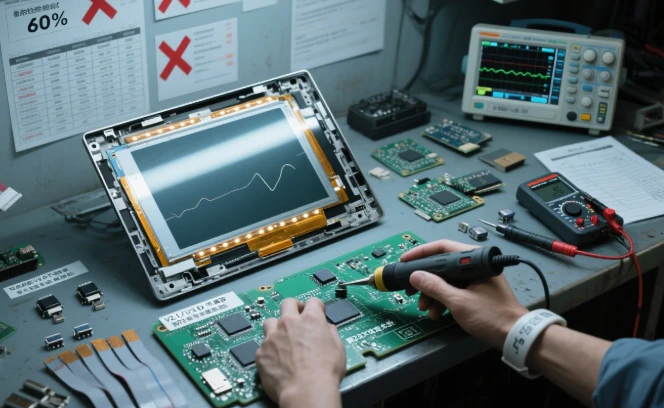
Cons: Maintenance nightmare. Fault diagnosis is extremely difficult, requiring professionals with specialized tools to determine if the issue lies with the LCD panel, driver board, touch glass, or wiring. Repair involves disassembly and reassembly, which is very time-consuming. Spare part management is complex (requires stocking various modules). Compatibility issues may prevent new modules from working correctly. Touch recalibration is often needed after repair.
Maintenance Summary:
Split System > AIO > Module Kit. From a long-term operational perspective, the Mini PC + Touch Monitor split system offers the greatest advantage, significantly reducing spare part costs and repair time. The AIO solution is simple to maintain but costly. The module kit approach is almost impractical for effective on-site maintenance.
Conclusion and Recommendation
|
Dimension |
All-in-One Touch Computer |
Mini PC + Touch Monitor |
Mini PC + LCD Module + Touch Kit |
|
Initial Installation |
★★★★★ (Simplest, plug-and-play) |
★★★★☆ (Relatively simple, requires wiring) |
★☆☆☆☆ (Extremely complex, requires R&D) |
|
Customer Experience |
★★★★☆ (Stable, reliable, guaranteed) |
★★★★★ (Can choose top brands, excellent exp.) |
★★☆☆☆ (Highly uncertain, needs fine-tuning) |
|
Long-Term Maintenance |
★★★☆☆ (Unit replacement, fast but expensive) |
★★★★★ (Modular replacement, low cost) |
★☆☆☆☆ (Hard to diagnose, time-consuming, expert needed) |
|
Ideal Use Case |
Medium project scale, prioritizes stability, fast deployment, sufficient budget, avoids compatibility issues. |
Most versatile and recommended option. Various project scales, emphasizes long-term maintenance cost and flexibility. |
Very high volume production, special form factor/size customization needs, has strong in-house hardware team. |
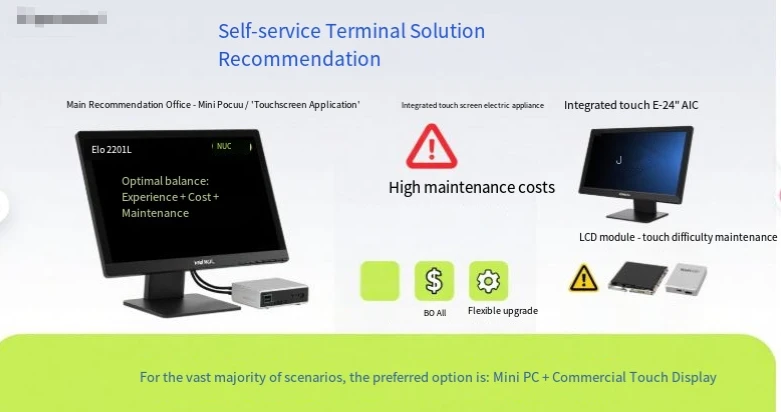
For the vast majority of self-service terminal projects, the 【Mini PC + Commercial Touch Monitor】 option is highly recommended.
It offers the best balance of experience, cost, and maintenance flexibility. You can choose different grades of monitors and PCs based on budget, and future upgrades are easier.
If your project is small scale (e.g., just a few units) and you want to maximize simplicity in deployment and initial setup, choose the 【All-in-One Touch Computer】.
Spending more money to buy convenience and save time is a reasonable choice.
Unless there are extremely special, off-the-shelf product (cannot satisfy) customization needs (e.g., special-shaped screens, very large scale screens, extreme environments), avoid the
【LCD Module + Touch Kit】 option.
The technical challenges, time cost, and quality risks it brings far outweigh the benefits. It is typically only used by large hardware manufacturers.